A passkey prompt offers an alternative to another password box. Instead of a secret you type into a website, signing in can rely on a cryptographic credential unlocked with your device.
That changes a familiar security weakness. It also changes the questions you should ask about access. An easy sign-in today is only half the story; recovery tomorrow matters just as much.
What changes at sign-in
The FIDO Alliance explains that passkeys use public-key cryptography and are designed to resist phishing. The service stores a public key; your authenticator uses the corresponding private credential to prove access. You commonly approve the step through a device unlock method such as a fingerprint, face check, or PIN.
The biometric check is not your fingerprint being sent to every website. A fake sign-in page cannot simply collect a reusable passkey as it can collect a typed password. That is a meaningful improvement, not a guarantee that every kind of fraud disappears.
Know where the credential lives
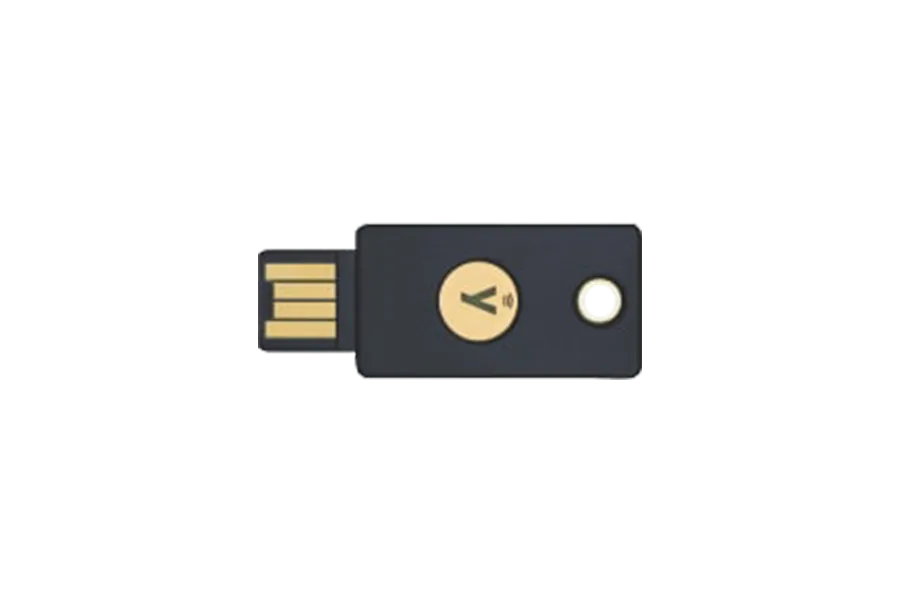
Some passkeys synchronize through a provider; others stay on a device or hardware security key. Know which arrangement you have. A hardware key is an option, not a mandatory purchase for everyone.
Apple's security documentation describes passkeys syncing through end-to-end encrypted iCloud Keychain. That is one implementation, not a description of every platform or password manager. Check the provider actually storing your credentials.
Our view: choose an arrangement you can explain and recover. An advanced security feature loses practical value if you do not understand the route back into the account.
Review recovery before converting
Inspect the account's recovery settings. Does a password fallback remain? Can you register another credential? Where are recovery codes kept? What happens if both your phone and laptop become unavailable?
Keep permitted recovery information somewhere appropriate for its sensitivity, separate from the single device you are protecting. Verify contact details. You are maintaining an alternative route, not simply making the everyday route faster.
Start with a contained trial
Create one credential through the account's official settings. Sign out, sign in again, and try from another device you use. Find out whether access depends on synchronization, a nearby device, or a physical key.
For Apple's implementation, the iCloud Keychain setup instructions explain synchronization on approved devices. Other providers have their own controls. Do not delete every existing sign-in method because the first attempt succeeded.
Keep the rest of your routine
Protect the unlock code and the account managing synchronized credentials. Keep software current. Pause at unexpected requests to approve sign-in or change recovery details.
Passkeys address credential phishing. They do not determine whether a seller is honest, a download is trustworthy, or a payment request is manipulative. A person can still authorize an unwanted transaction after signing in securely.
Measured adoption is the useful takeaway: fewer typed secrets, paired with deliberate recovery. This is an explainer of documented technology, not a new-launch announcement or a promise against account compromise.